
RE-NEET 2026 City Slip
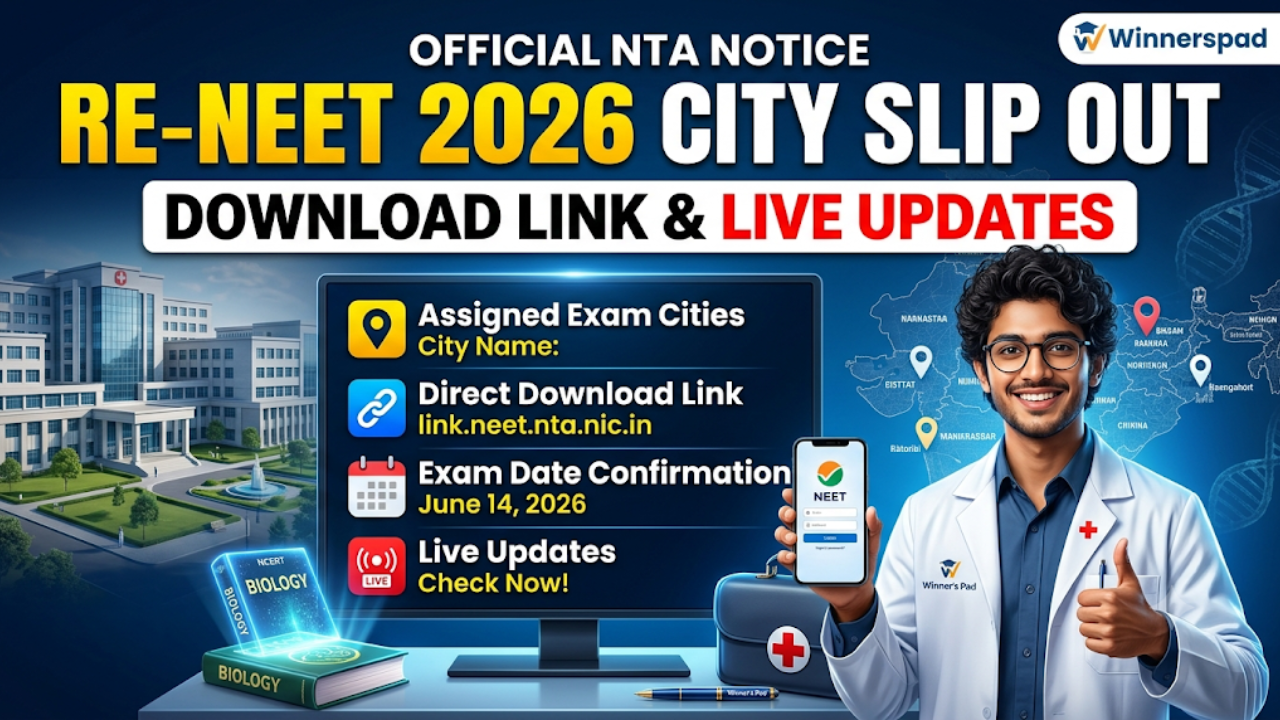
RE-NEET 2026 Exam City Slip Released: Direct Download Link & Live Updates
The National Testing Agency (NTA) has officially activated the advance exam city intimation slip download link for the upcoming RE-NEET 2026 Exam. Candidates who are scheduled to appear for the re-examination can now check their assigned exam cities directly on the official portal using their application credentials.
At Winnerspad, we understand how high-pressure these final days can be for medical aspirants. To make things easy, we are running a live updates block covering the direct download link architecture, document requirements, and final admit card timelines set by NTA.
How to Download Your RE-NEET 2026 City Intimation Slip
The advance city slip is not your final admit card. It is a structural document provided early so that students coming from different locations can plan their travel and accommodation seamlessly. Follow these steps to access your slip:
- Go to the official NTA NEET portal (neet.nta.nic.in or updated NTA exam domains).
- Click on the active banner link titled "Advance City Intimation Slip for RE-NEET 2026".
- Enter your unique Application Number and Date of Birth (DOB) in the input fields.
- Enter the security pin/captcha shown on the screen and click Submit.
- Your city slip will display on the screen. Download the PDF copy and keep a printout safe.
Crucial Timelines: City Slip vs Final Admit Card
Many students confuse the advance city intimation slip with the final admit card. To eliminate doubts, follow this official operational timeline:
| Document Feature | Release Timeline & Purpose |
|---|---|
| Advance City Slip | Released Now. Tells you only the city name to help you finalize travel layouts beforehand. You cannot use this to enter the exam hall. |
| Final RE-NEET Admit Card | Expected 3-4 days prior to the actual test date. This will explicitly display your exact Exam Center Name, Center Code, Reporting Time, and Gate Closure Rules. |
Live Updates Verification Checklist
- Check Spellings Instantly: Ensure your name, application boundary, and category mapping on the city slip match your primary board certificates perfectly.
- Verify Center Accessibility: Once the city is known, locate the general perimeter on maps to estimate the travel time from your residence.
- Keep Credentials Ready: Ensure you have smooth access to your registered email inbox and phone number to receive sudden NTA security OTPs or instructions.
Frequently Asked Questions (FAQ)
Q1: The NTA website is showing a server error while downloading the city slip. What should I do?
Due to massive traffic loads from thousands of aspirants checking concurrently, the NTA server loops might slow down or return a 404 or connection error. Wait for 15-20 minutes, clear your browser cache, or open the link inside an Incognito window to process it smoothly.
Q2: Can I request NTA to change my assigned RE-NEET exam city?
No. The exam city allocation is processed through automated systems based on the preferences you locked during the registration cycle. NTA explicitly rejects any manual email requests for changing cities at this stage.
Q3: Do I need to carry a colored printout of the city slip to the center?
No, you do not need to carry the city slip to the venue. You only need to carry a clear printout of your official RE-NEET Admit Card (along with your passport photos and valid original identity proof) which will be released shortly.